🏠 Properties
NoLag Properties is a complete housing system for FiveM. Create Shell, IPL, MLO, and Building properties, sell and rent them through real estate agencies, and let players furnish, upgrade, and secure their homes.
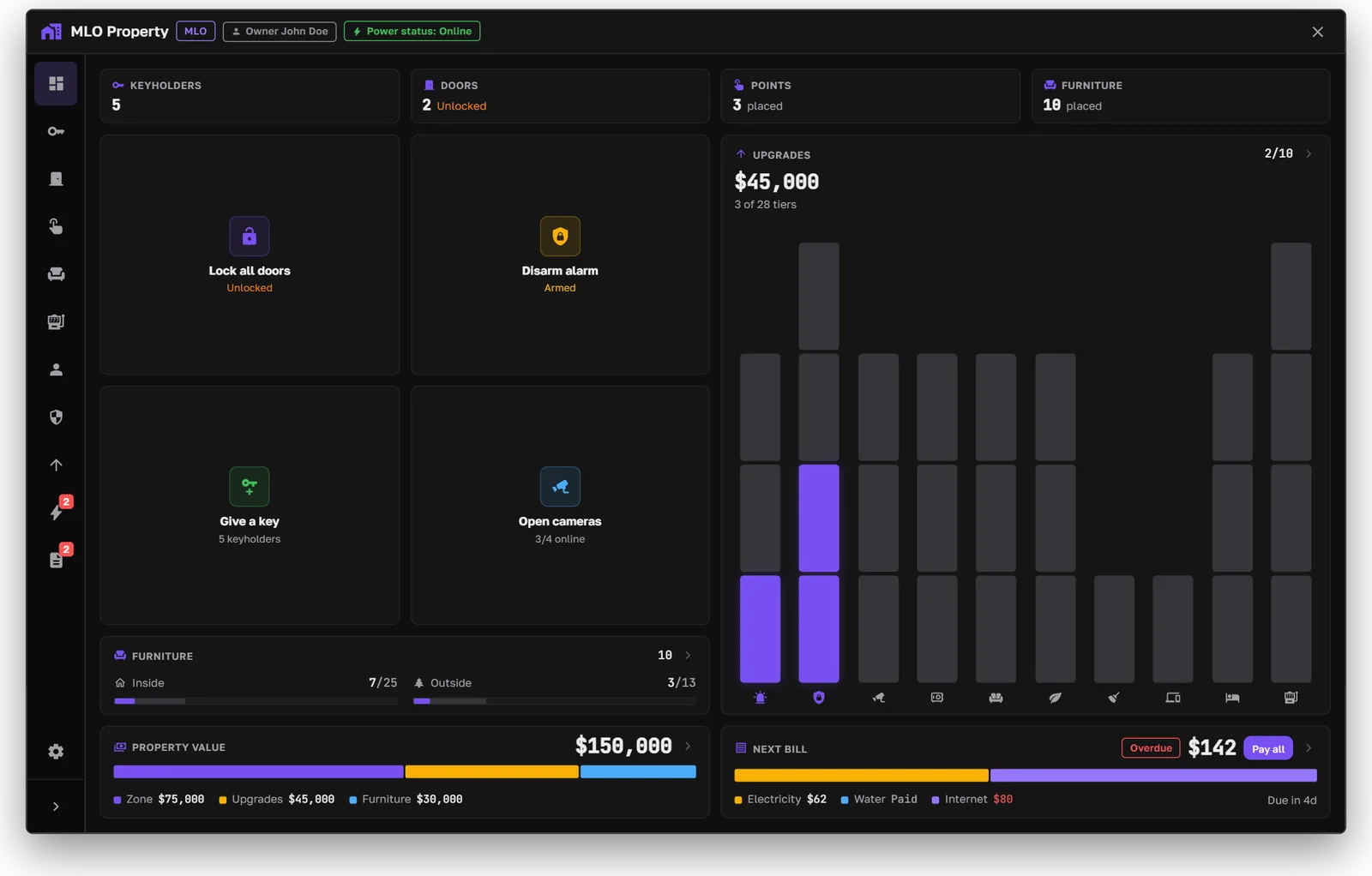
The manage property dashboard
What's new in 3.0
Version 3.0 is a rewrite. Most settings moved from config.lua into an in-game Settings menu, and the script gained these systems:
- Property upgrades: alarms, breakable power boxes, security cameras, anti-burglary doors, storage, furniture capacity, cheaper utilities, a cleaner, Smart Home, and Rest & Recover.
- Real estate agencies: agency portal, agents, branded listings, sale signs, and signed sale and rent contracts.
- Zones and utilities: property prices and electricity, water, and internet bills per map zone.
- Furniture catalog: a database-backed catalog, an in-game photo studio for props, presets, and the Fast Placer.
- Shell Creator: build your own shells in-game.
- Phone apps: Properties and Marketplace apps for lb-phone and YSeries.
- On-demand loading: players load properties, shells, and furniture as they approach, instead of everything when they join.
Added since 3.0.0
Commands
Command names can be changed in config.lua.
Frequently Asked Questions
Use /createproperty in game. The creation flow walks you through type, placement, interior, features, and the listing. See Creating properties.
Open the admin panel with /allproperties, find the property, and delete it. Its doors and inventories are removed with it.
Most of them are in the in-game Settings menu: open /properties and go to Settings. Server-side options such as the framework, integrations, and commands stay in config.lua. See Configure.
Qbox, QBCore, ESX, and ox_core are detected automatically. A standalone mode lets you write your own integration. See Compatibility.