⚙️ In-game Settings
Most options that used to be in config.lua are now set in-game. Open /properties and go to Settings. You need the admin ACE (nolag_properties.admin), or the script_settings or allproperties permission on your job grade (set in /manageagencies).
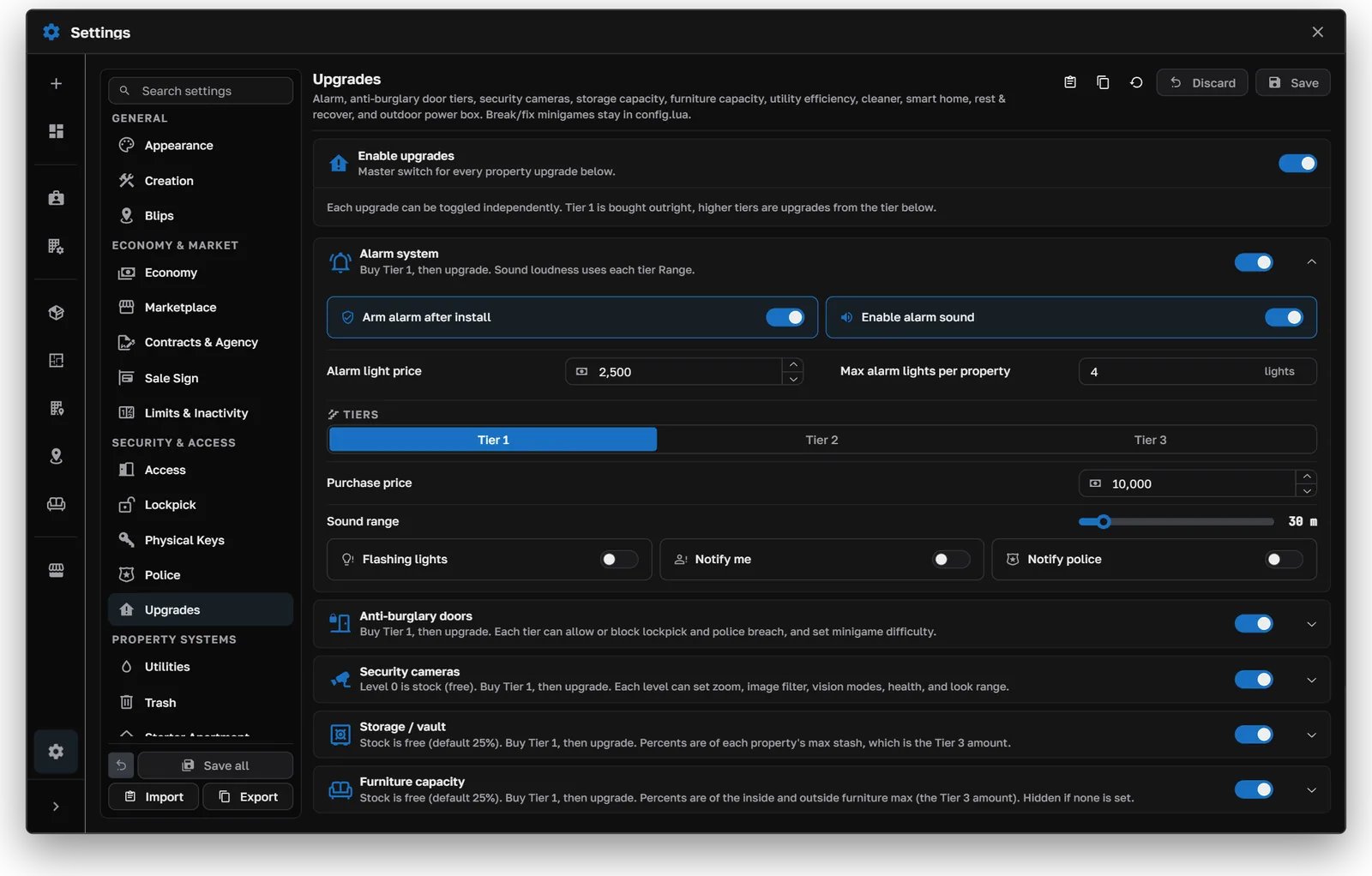
Settings → Upgrades
Settings are saved in the database (nolag_script_settings) and apply right away. Changes to storage, economy, upgrades, or world props refresh stashes, sale signs, alarms, trash, power boxes, cameras, and physical-key rules without a restart.
Tabs
Use the search box at the top of the list to jump straight to any setting.
Saving, comparing, and resetting
- 1
- 2
- 3
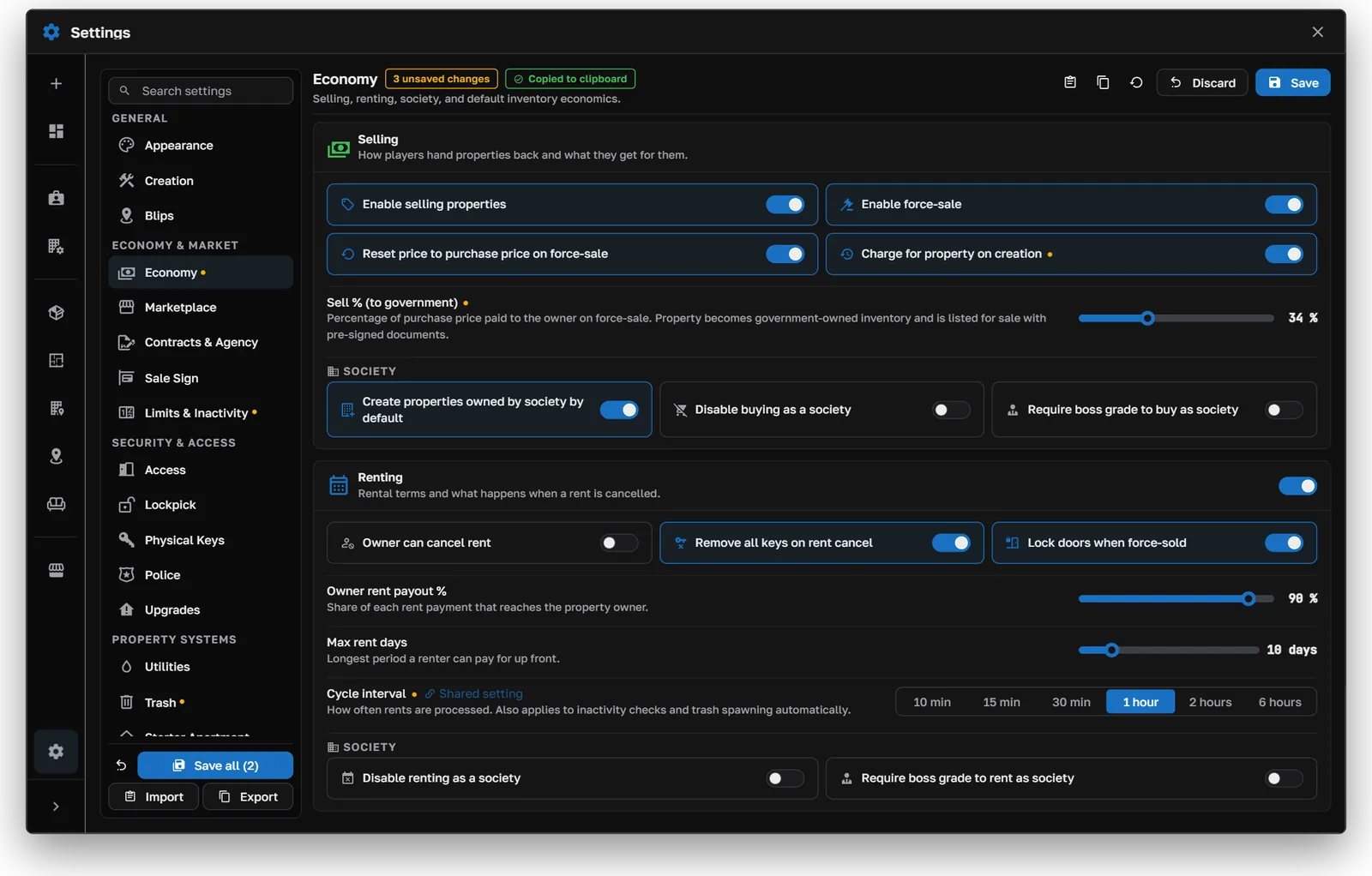
Reset loads the factory defaults from config.settings.lua into the form. Nothing changes until you save.
Import and export
Export copies your settings, so you can keep a backup or move them to another server. Import loads settings into the form. You can compare them before saving.
UI colors
Settings → Appearance recolors the whole housing UI. Pick a palette and every menu updates as you go.
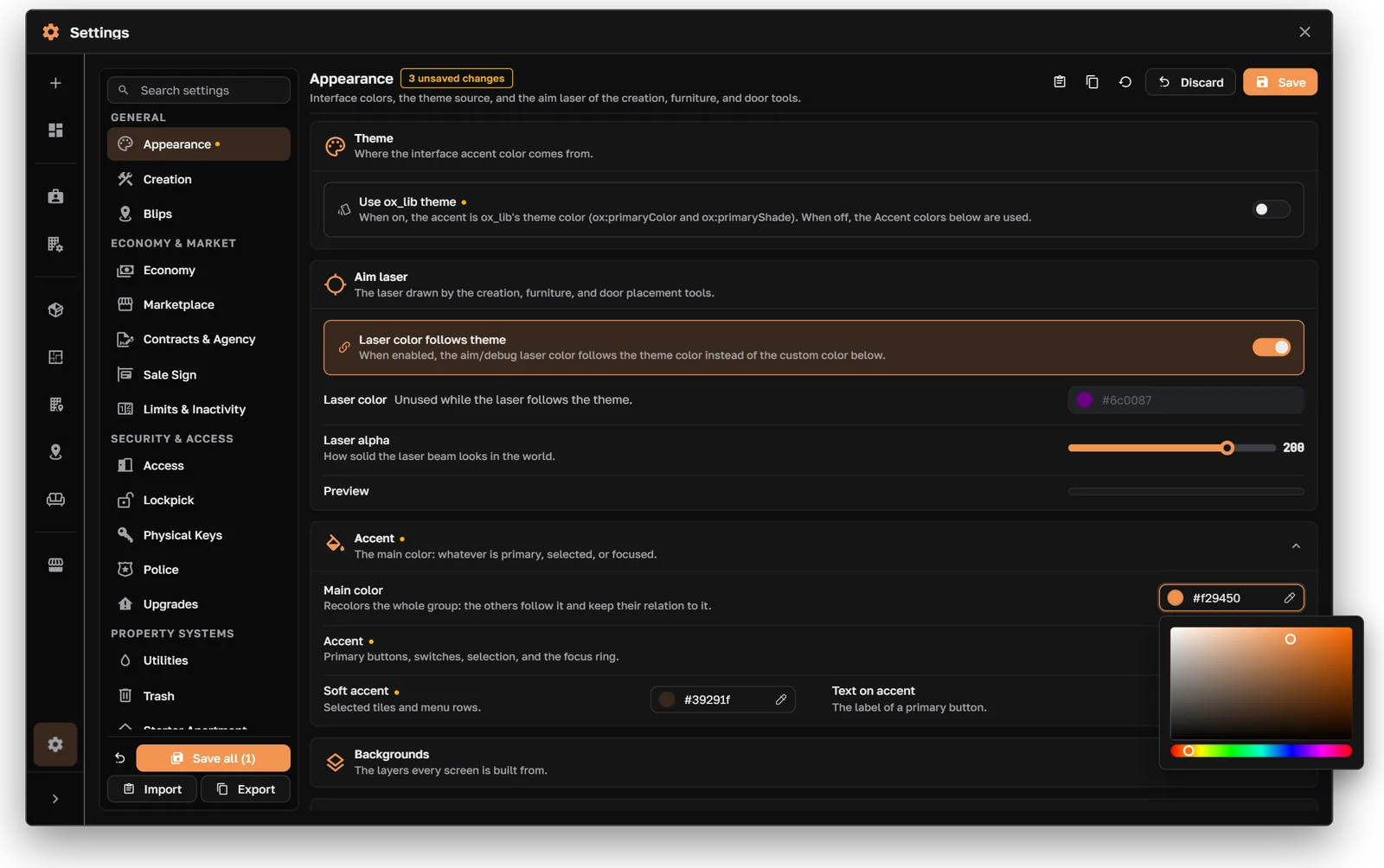
Settings → Appearance
To use your ox_lib theme color instead, leave useOxTheme = true in the appearance defaults. You can also set it with convars: