🏡 Managing a property
Owners manage their property from its menu: at the door, with the property menu key (F5 by default), or from /properties.
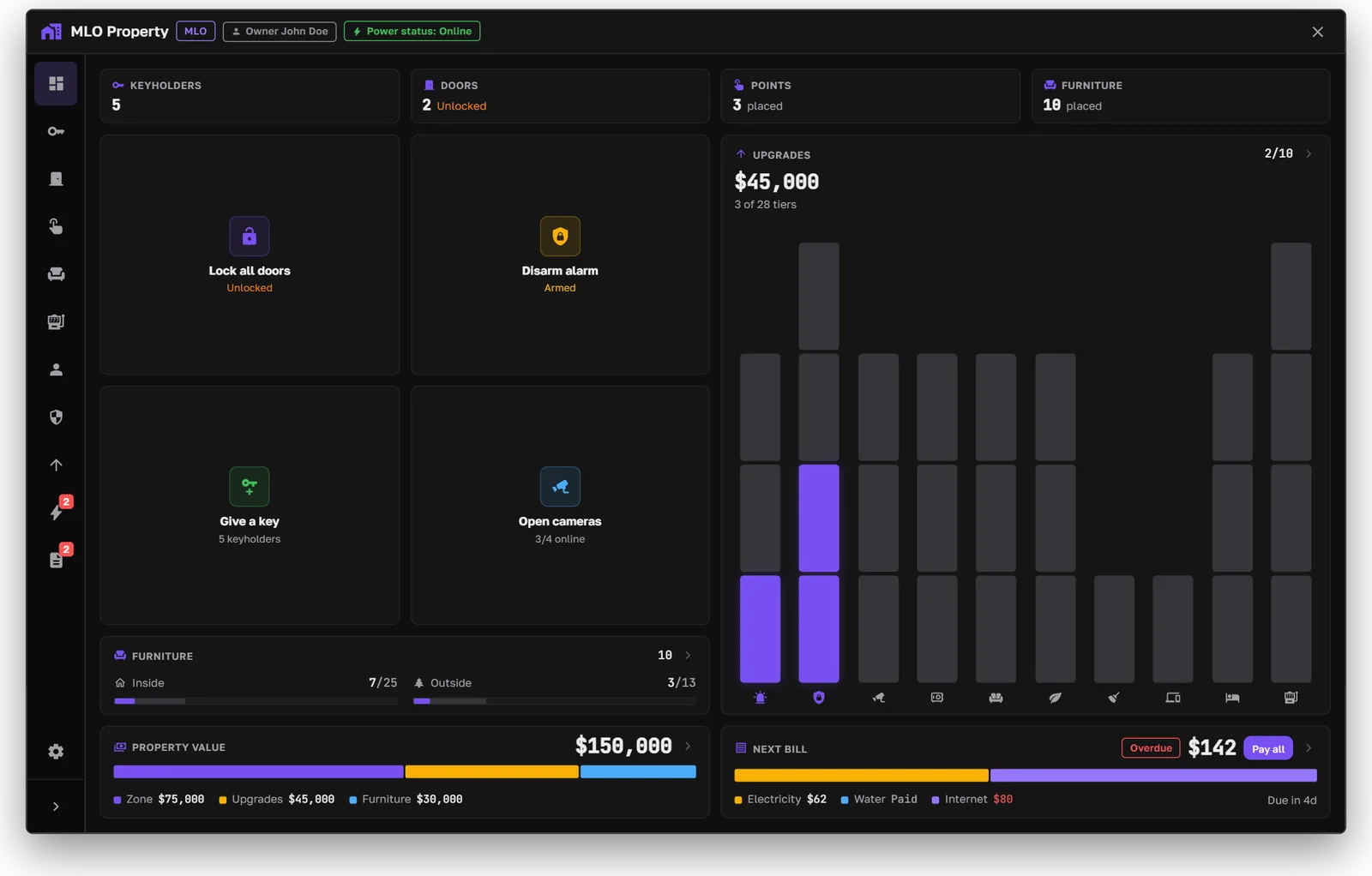
The dashboard
Tabs
Access and keys
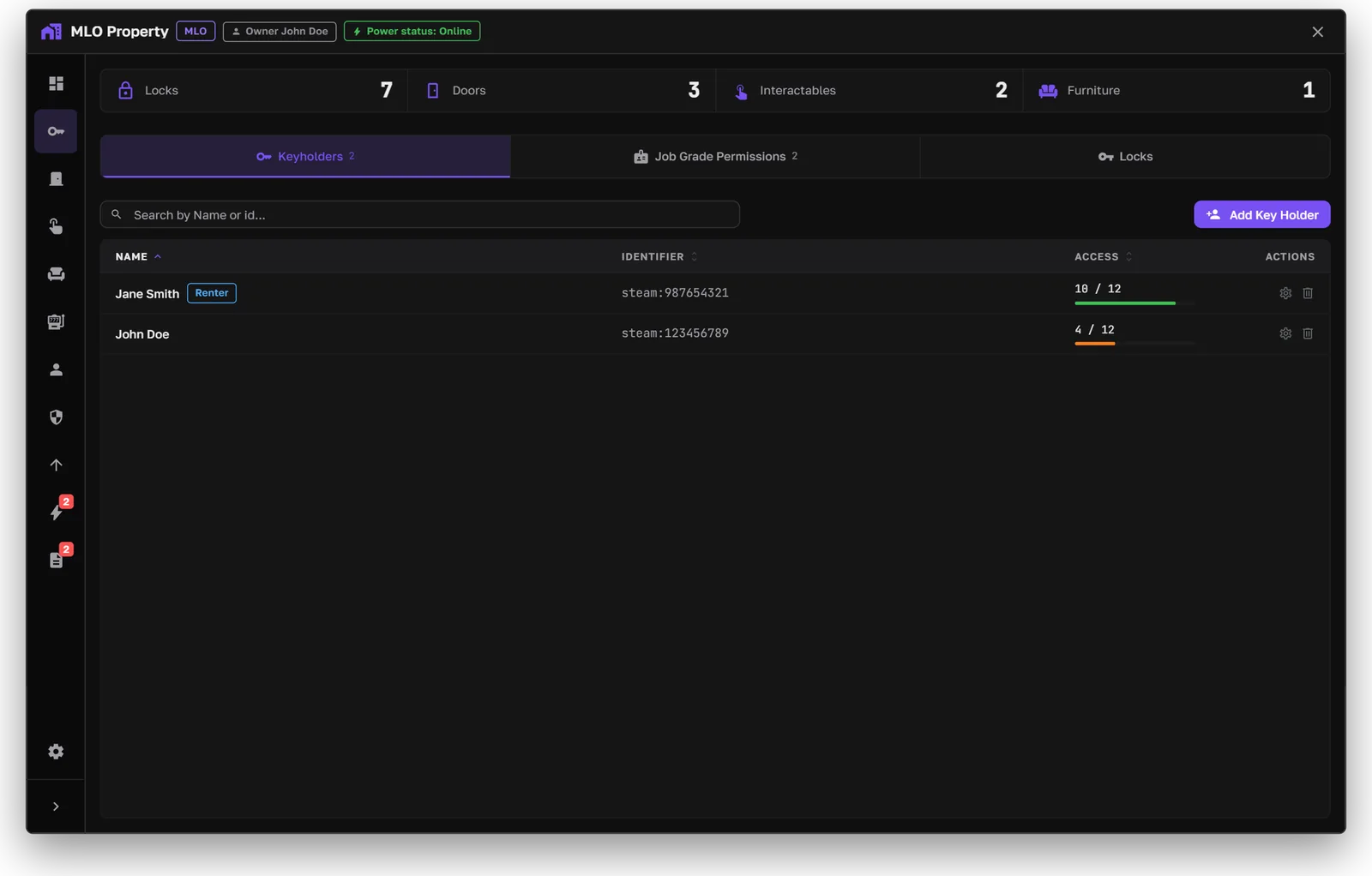
The Access tab
- Keyholders get access by category: management, doors, interactables, and furniture.
- Physical keys can be cut, renamed, and rekeyed. Locksmith copies use the locksmith's price and have a cooldown. Rekeying can be turned off.
- With the physical-key overwrite on, everyone needs a physical key, even the owner. Digital access then only decides who can cut keys.
Physical key rules are in Settings → Physical Keys. See the Physical Keys guide.
Upgrades
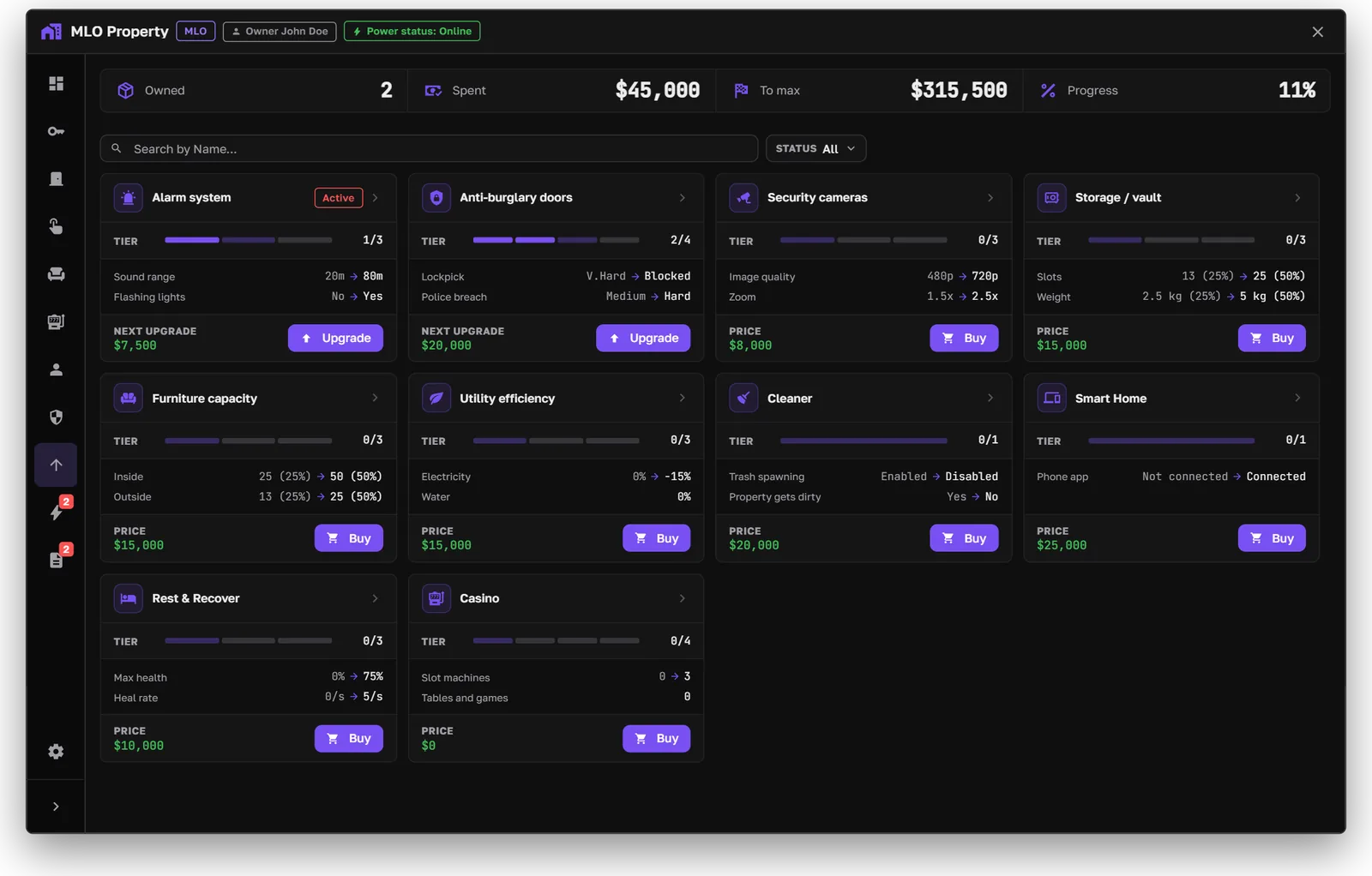
The Upgrades tab
Each card shows the current tier, what the next tier changes, and its price.
Power boxes
Houses can have a power box. Players can break it with a lockpick or pliers minigame to cut the power for a while. Owners, keyholders, or electrician jobs can restore it. Furniture lights, cameras, and remote alerts follow the power state. Power boxes can be required when a house is created.
Prices, tiers, and what each tier does are set in Settings → Upgrades.
Utilities
Bills show the billing cycle, the next bill, the grace period, and the cut-off date. If a bill isn't paid in time, the service is cut off. Prices come from the property's map zone.